Dental records and eZdrave: what to keep
Organise plans, investigations and electronic records for a later appointment or a change of dental team.
Created
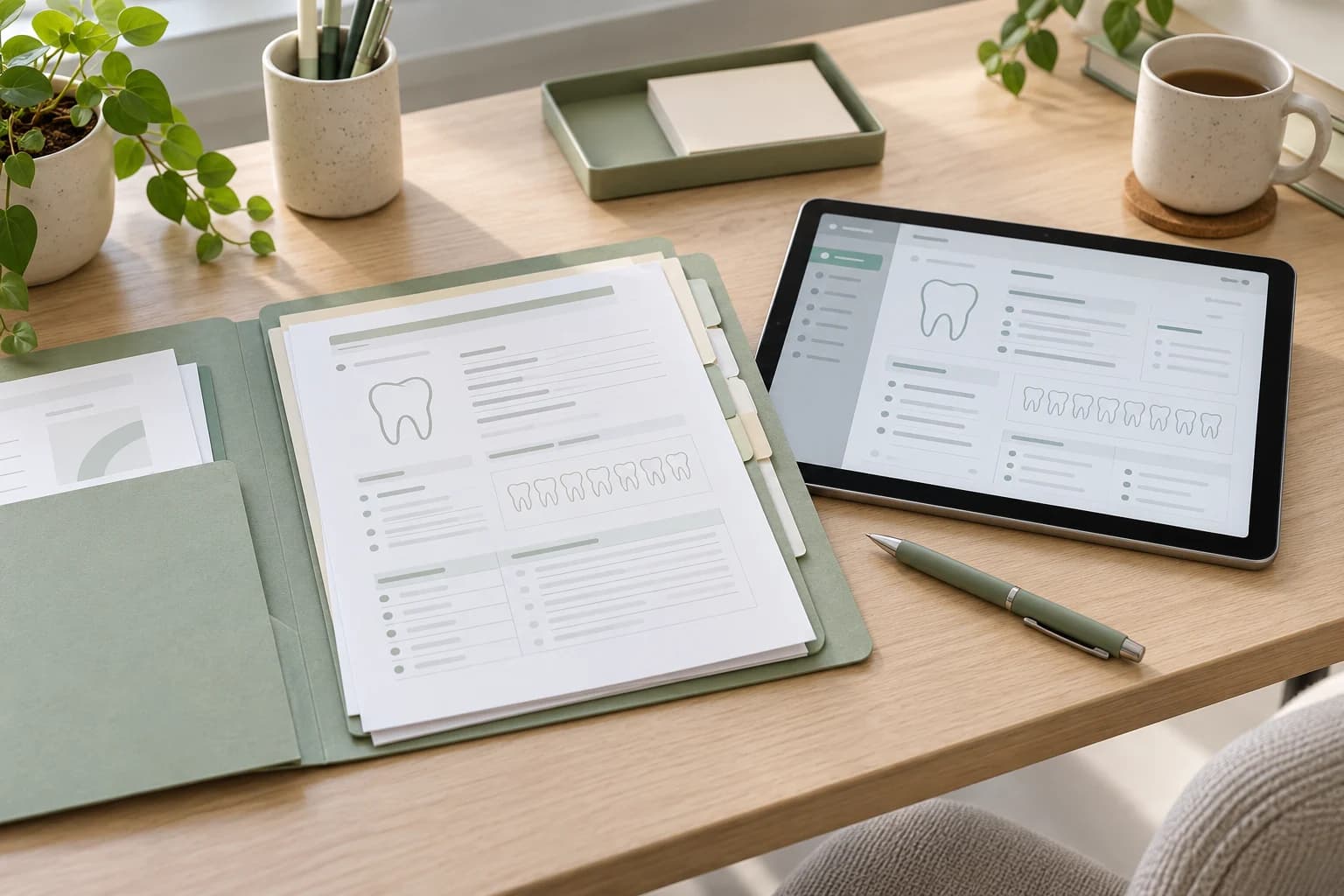
Organise information around your visits
At a later appointment, it can be difficult to remember when a procedure took place or which tooth was treated. Keep your available documents together and arrange them by date. Separate proposed treatment from records of completed work so that the two are not confused.
Useful groups include examinations and plans, investigations, completed procedures, care instructions and payment documents. You do not need to create a clinical record yourself. Keep what you receive and ask the practice how to request missing copies.
What the Bulgarian dental module shows
On 6 October 2026, Bulgaria's National Health Information System (NHIS, НЗИС) announced that dental examinations had been added to the electronic health record. The module shows records entered by dentists, dental status and treatment. It is available through eZdrave and the my.his.bg portal.
The module's availability does not mean that your entire past history has been transferred into it. Check individual entries and keep documents from earlier visits. The tooth chart records information from examinations; it is not a separate diagnosis of your current condition.
Sources: Dental examinations in NHIS
Follow the official access instructions
NHIS describes access using a qualified electronic signature and in-person help to activate the app for people without one. Check the current official instructions before travelling to an office. Requirements and app screens can change.
If you help someone else, establish the authorised way to access records in their circumstances. Parental access and access to another adult's record are different arrangements. Do not share login codes or an electronic signature to bypass settings. Use the official portal's support contacts if you need help.
How to give a doctor or dentist access
NHIS shows how to give a doctor or dentist access to your health record in eZdrave and approve or decline access requests. In Bulgarian.
Ask a new team what it needs
Ask the new practice which documents it needs and in what format. For existing imaging, request the available files and reports, where provided, rather than relying only on a photograph of a screen. The treating professional decides whether earlier imaging answers the current question or further information is needed.
Add a short note of important procedure dates and outstanding questions. Bring information about medicines, allergies and changes in your general health to discuss at the examination. Keep personal notes distinguishable from official clinical documents.
If something is missing or does not match
Note the date, practice and specific difference: a procedure, tooth or payment. Start by asking the practice for an explanation. Contact NHIS for technical problems and NHIF for questions about services reported to the fund. A missing entry does not, by itself, show that treatment never happened.
Use a channel agreed with the recipient to share documents and check the address. Do not post a health record on social media to seek a general opinion. Our contact form handles enquiries to the foundation; it is not a place to send clinical records.
Sources: eZdrave access and health record questions · NHIF and regional fund contacts
Sources
- Dental examinations in NHIS НЗИС · BG
- NHIF and regional fund contacts НЗОК · BG